What Is SEO and Why Should Mom Bloggers Care?
SEO stands for Search Engine Optimization, and in plain English, it means making your blog posts easy for Google to find, understand, and recommend to people searching for topics you write about.
Think about it this way. Every day, millions of moms are typing things like “easy weeknight dinners for picky eaters” or “how to start a blog from home” into Google. If your blog post is optimized for those searches, Google will show your content to those moms. That is free, targeted traffic coming to your blog every single day without you lifting a finger.
Unlike social media where you have to constantly create new content to stay visible, a well-optimized blog post can drive traffic for years. One post I wrote over a year ago still brings in hundreds of visitors every month. That is the power of SEO basics for bloggers.
Whether you are just starting your blog or looking to grow an existing one, SEO is the skill that separates hobby bloggers from bloggers who actually make money.
How Google Actually Works (The Simple Version)
Before we get into the tactics, let me quickly explain how Google decides which pages to show for any given search.
Crawling
Google sends out little bots (called crawlers or spiders) to scan the internet and discover new pages. They follow links from one page to another. This is why internal linking (linking between your own blog posts) is important. It helps Google find all your content.
Indexing
Once Google crawls your page, it stores (indexes) the content in its massive database. Think of it like a library catalog. Google needs to understand what your page is about so it can file it under the right topic.
Ranking
When someone searches for something, Google sifts through its index and ranks the most relevant, helpful, and trustworthy results on the first page. Your goal is to be one of those results.
The good news? You do not need to be a tech wizard to make this happen. You just need to follow some basic principles consistently.
Keyword Research for Beginners
Keywords are the words and phrases people type into Google. Keyword research is the process of finding the right keywords to target with your blog posts.
How to Find Good Keywords
- Brainstorm topics your audience cares about. What questions do your mom friends ask you? What problems do you solve in your daily life?
- Use free keyword tools to check search volume and competition:
- Google Keyword Planner (free with a Google Ads account)
- Ubersuggest (limited free searches per day)
- AnswerThePublic (shows questions people are asking)
- Google Autocomplete (start typing in Google and see what suggestions appear)
- Google’s People Also Ask (the expandable question boxes in search results)
- Look for low-competition keywords. As a new blogger, you will not rank for super competitive terms like “best recipes.” Instead, go for longer, more specific phrases like “easy 30-minute dinners for families of 5.”
Understanding Search Intent
Not all keywords are created equal. You need to understand why someone is searching for a particular term:
- Informational: They want to learn something (“how to start a blog”)
- Navigational: They want to find a specific site (“Pinterest login”)
- Commercial: They are researching before buying (“best laptop for bloggers”)
- Transactional: They are ready to buy (“buy WordPress hosting”)
For blog posts, you will mostly target informational and commercial keywords. These bring in readers who are looking for the kind of helpful content you create.
On-Page SEO: The Complete Checklist
On-page SEO refers to everything you do within your blog post to help it rank. Here is a comprehensive checklist in table format:
| SEO Element | What to Do | Example |
|---|---|---|
| Title Tag | Include target keyword, keep under 60 characters | ”SEO Basics for Mom Bloggers: A Beginner Guide” |
| Meta Description | Summarize post with keyword, keep under 155 characters | ”Learn SEO basics for bloggers with this mom-friendly guide…” |
| URL/Slug | Short, keyword-rich, use hyphens | /seo-basics-for-mom-bloggers/ |
| H1 Heading | One per post, include target keyword | Same as or similar to title tag |
| H2 Headings | Use for main sections, include related keywords | ”Keyword Research for Beginners” |
| H3 Headings | Use for subsections under H2s | ”How to Find Good Keywords” |
| First Paragraph | Include target keyword in first 100 words | Natural mention of your keyword |
| Image Alt Text | Describe images with relevant keywords | ”mom working on laptop writing blog post” |
| Internal Links | Link to 3-5 related posts on your blog | Link to your other relevant articles |
| External Links | Link to 1-2 authoritative sources | Link to Google’s official documentation |
| Content Length | Aim for 1500-2500 words for in-depth posts | Thorough, helpful content |
| Keyword Density | Use keyword naturally, roughly 1-2 percent | Do not stuff keywords unnaturally |
Print this checklist out and go through it every time you publish a new post. After a while, it will become second nature.
Writing Meta Descriptions That Get Clicks
Your meta description is the short text snippet that appears under your title in Google search results. Google does not always use your meta description (sometimes it generates its own), but writing a good one improves your chances of getting clicked.
Meta Description Formula
Here is a simple formula that works:
[What the post is about] + [Benefit to the reader] + [Call to action or hook]
For example: “Learn SEO basics for bloggers with this step-by-step guide. Discover how to get free Google traffic to your mom blog and start growing your audience today.”
Meta Description Tips
- Keep it between 120 and 155 characters.
- Include your target keyword (Google bolds matching terms in search results).
- Make it compelling. You are competing with 9 other results on the page.
- Do not be clickbaity. Deliver on the promise your meta description makes.
The Power of Internal Linking
Internal linking means linking from one page on your blog to another page on your blog. It is one of the simplest and most effective SEO strategies, yet most beginner bloggers completely ignore it.
Why Internal Linking Matters
- Helps Google discover and crawl your content. When you link to a new post from an existing one, Google’s crawlers can find it faster.
- Passes authority between pages. Your strongest pages can boost your newer, weaker pages through internal links.
- Keeps readers on your site longer. The more pages someone visits, the more Google sees your site as valuable.
- Improves user experience. When you link to related content, you are helping your reader find more useful information.
Internal Linking Best Practices
- Link naturally within your content. Do not force links where they do not make sense.
- Use descriptive anchor text. Instead of “click here,” use text that describes the linked page, like “check out my guide on Pinterest marketing for beginners.”
- Link to and from your most important posts. Your cornerstone content should receive the most internal links.
- Aim for 3 to 5 internal links per post. More is fine if they are relevant, but do not overdo it.
- Go back to old posts and add links to new content. This is a quick win that most bloggers forget about.
Free SEO Tools Every Mom Blogger Needs
You do not need expensive tools to do SEO well. Here are the free tools I recommend for beginners:
Google Search Console
This is the most important free SEO tool. Period. It shows you:
- Which keywords your site is ranking for
- How many clicks and impressions your pages are getting
- Any technical issues with your site
- Which pages Google has indexed
Set this up on day one of your blog and check it at least once a week.
Google Analytics
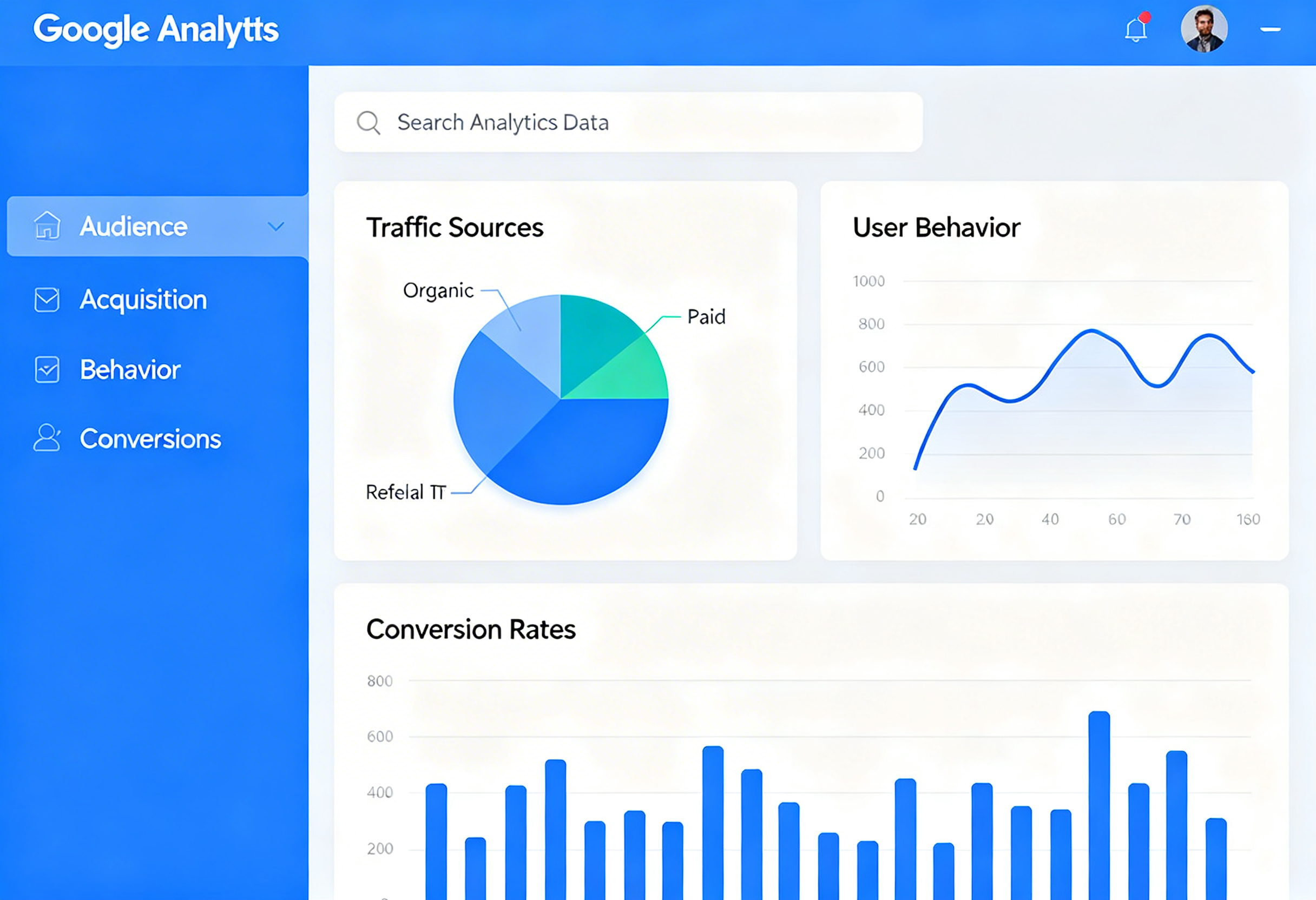
While not strictly an SEO tool, Google Analytics shows you how visitors interact with your site. You can see which pages are most popular, where your traffic comes from, and how long people stay on your site.
Ubersuggest
Neil Patel’s Ubersuggest offers limited free keyword research. You can check search volume, keyword difficulty, and see content ideas. The free version gives you a few searches per day, which is enough for most beginner bloggers.
AnswerThePublic
This tool visualizes questions people are asking about any topic. Type in a keyword and it generates dozens of question-based queries. These make excellent blog post topics and H2 headings.
Yoast SEO or Rank Math (WordPress Plugins)
If you are on WordPress, install either Yoast SEO or Rank Math. These free plugins guide you through on-page SEO for every post, making it easy to optimize your titles, meta descriptions, and content structure.
Technical SEO Basics (Do Not Skip This)
I know “technical SEO” sounds intimidating, but these are simple things that make a big difference:
Site Speed
Google favors fast-loading websites. Here is how to keep your blog speedy:
- Compress images before uploading (use TinyPNG or ShortPixel).
- Use a caching plugin if you are on WordPress.
- Choose a reliable hosting provider.
- Do not install too many plugins.
Mobile-Friendliness
Over 60 percent of Google searches happen on mobile devices. Your blog must look good and work well on phones. Most modern WordPress themes are mobile-responsive, but always test your site on your own phone to make sure.
SSL Certificate
Your site should use HTTPS (not HTTP). Most hosting providers include a free SSL certificate. This is a minor ranking factor and also makes visitors trust your site more.
Creating an SEO Content Strategy
Do not just randomly write blog posts. Have a strategy:
- Choose 5 to 10 main topics your blog covers (these become your content pillars).
- Research 10 to 20 keywords for each topic using the tools mentioned above.
- Create a content calendar prioritizing low-competition keywords first.
- Write comprehensive, helpful content for each keyword.
- Interlink your posts within each topic cluster.
- Promote each post on Pinterest and through your email list.
Use AI tools to help speed up your keyword research and content creation. Tools like ChatGPT and Claude can help you brainstorm keyword ideas, create content outlines, and draft sections of your posts.
SEO Myths to Ignore
There is a lot of outdated and flat-out wrong SEO advice floating around. Here are myths you can safely ignore:
- “You need to post every day.” Quality beats quantity. Two well-optimized posts per week is better than seven mediocre ones.
- “Keyword stuffing helps you rank.” It does the opposite. Google penalizes content that unnaturally repeats keywords.
- “SEO is dead because of AI.” Google still drives billions of searches daily. SEO has evolved, but it is very much alive.
- “You need backlinks to rank.” Backlinks help, but new bloggers can rank for low-competition keywords with great on-page SEO alone.
- “Meta keywords matter.” Google has not used meta keywords as a ranking factor for over a decade.
Your SEO Action Plan
Ready to put these SEO basics for bloggers into practice? Here is your step-by-step plan:
- Set up Google Search Console and Google Analytics for your blog today.
- Install Yoast SEO or Rank Math if you are on WordPress.
- Do keyword research for your next 5 blog posts using free tools.
- Write your next post following the on-page SEO checklist above.
- Add internal links to 3 existing posts.
- Check your site speed and fix any obvious issues.
- Be patient. SEO takes time, but the traffic it builds is worth the wait.
Combined with a strong Pinterest strategy and good time management, SEO can transform your blog from a hobby into a real source of income. The moms who learn SEO now are the ones who will be thriving a year from now.
Start with the basics, stay consistent, and trust the process. Google rewards patience and persistence, and so does blogging.